
Nexgen POG!
Elevate Your Shelf Layout
with Smart Planograms!
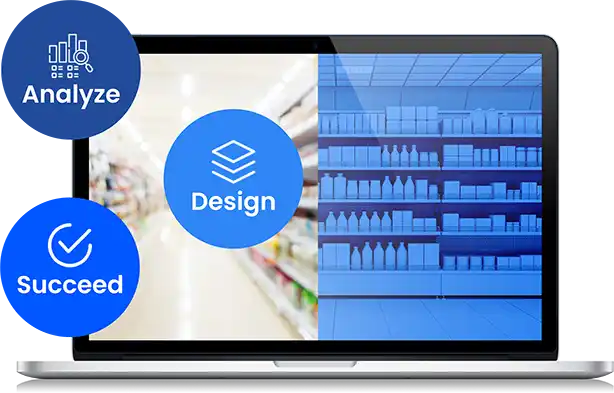
What is Nexgen POG? Your Retail Success Blueprint
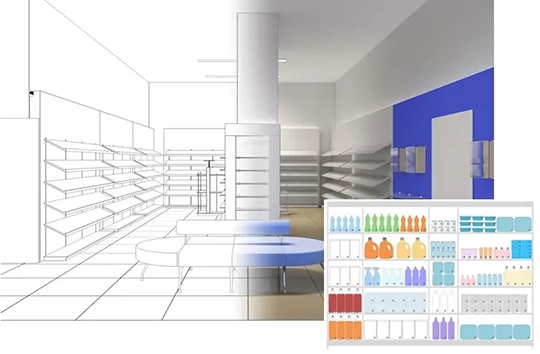
Nexgen POG is a leading planogram solution provider that takes your retail displays to the next level. With its advanced technology and user- friendly interface, it empowers you to design, analyze, and optimize your store layouts with ease.
Say goodbye to unused shelf space and experience the future of visual merchandising with Nexgen POG - your key to retail success!
Visual Merchandising Made Simple: Let Planograms
Do the Work for You!
Better shelf space
utilization
Enhance your store's performance with improved product placement, ensuring the right items are in the right place.
Product categorization &
stock management
Optimize product categorization and stock management to keep your shelves stocked and customers satisfied.
Improved product
placement
Optimize product categorization and stock management to keep your shelves stocked and customers satisfied.
Visually appealing
displays
Optimize product categorization and stock management to keep your shelves stocked and customers satisfied.
Analysis reports for a
better shopping experience
Optimize product categorization and stock management to keep your shelves stocked and customers satisfied.
Key Features

Cloud-based
No installation cloud-based planogram software that is easy to use and can be accessed from anywhere.

Web-based sharing
Provide visual representations to evaluate the effectiveness of in-store product displays and layouts.

Automated Planograms
Streamline in-store display planning and execution to ensure a consistent and effective arrangement of products.

Visual analysis
Users can effortlessly share, view, and edit planograms online, fostering a more efficient and interactive planning process.

Compliance
Efficiently report noncompliance Compliance and ensure cost-effective and error free planogram implementation by raising a detailed ticket.

Planogram import/export
Seamless transfer of merchandising layouts and data between different systems, enhancing compatibility in the retail industry.

Custom/Analytical
Track in-store performance to understand product performance in terms of value.

Block template
Simply update the block template, and the changes will be applied to all planograms created using that template.

Approval flow
Share, send for approvals, and keep track of planogram edits with complete access control.
Subscription Plans
Standard
- Online planogram designer
- Predefined planogram templates
- Merchandising standards
- Planogram batch copy
- Planogram merge
- Swap products
- Share with team members
- Web-share with secure link
- Labels and signage
- Planogram Compliance
- Fill planogram from Excel
- Bulk product upload
- Bulk image upload
- Multi device compatibility
- Export to PDF, Image and Excel
- Planogram reports
- Product reports
Premium
All Standard Features and
- Compliance management
- Custom label templates
- Space analytics
- Sales analytics
- Planogram comparison
- Export to XML / PSA / Excel
- Import XML / PSA / Excel
- Advanced autofill
- Rule based automation
Enterprise
All Premium Features and
- Floor plan
- Block templates
- Planogram approval workflow
- Custom reports
- Enhanced Visual Analysis
- Multifactor Authentication(MFA)
- Single Sign on (SSO)
- Co-work folder
Planogram Services
Convenient Time Format
Saving Training and Resource Costs
Planogram Expertise Service
Improves Retail Sales & Profitability
Latest Blogs
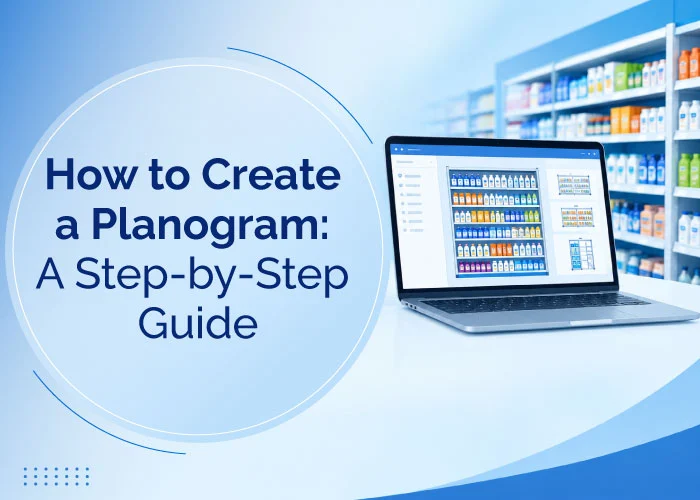
What Is a Planogram? A Complete Guide for Retailers
A planogram is a visual guide that helps retailers organize products strategically, optimize shelf space, and improve product visibility. Discover how Nexgen POG simplifies planogram creation with intuitive software and AI-powered capabilities for smarter retail merchandising.
Read more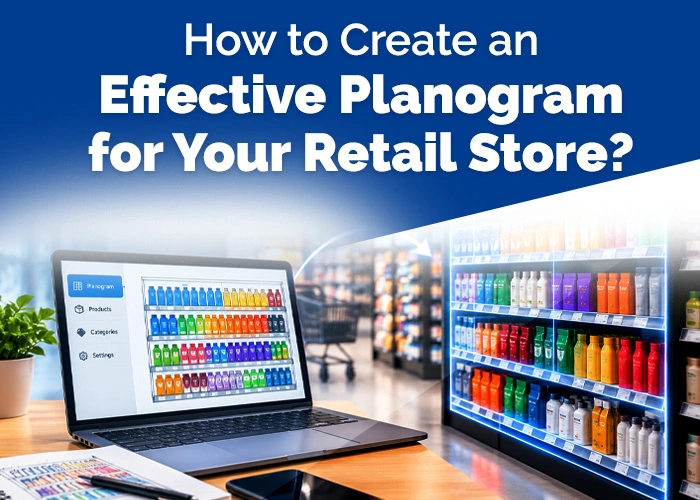
How to Create an Effective Planogram for Your Retail Store?
Creating an effective planogram involves analyzing product performance, available shelf space, shopper behavior, and category goals. A well-designed planogram helps optimize product placement, improve visibility, and maximize shelf-space productivity.
Read more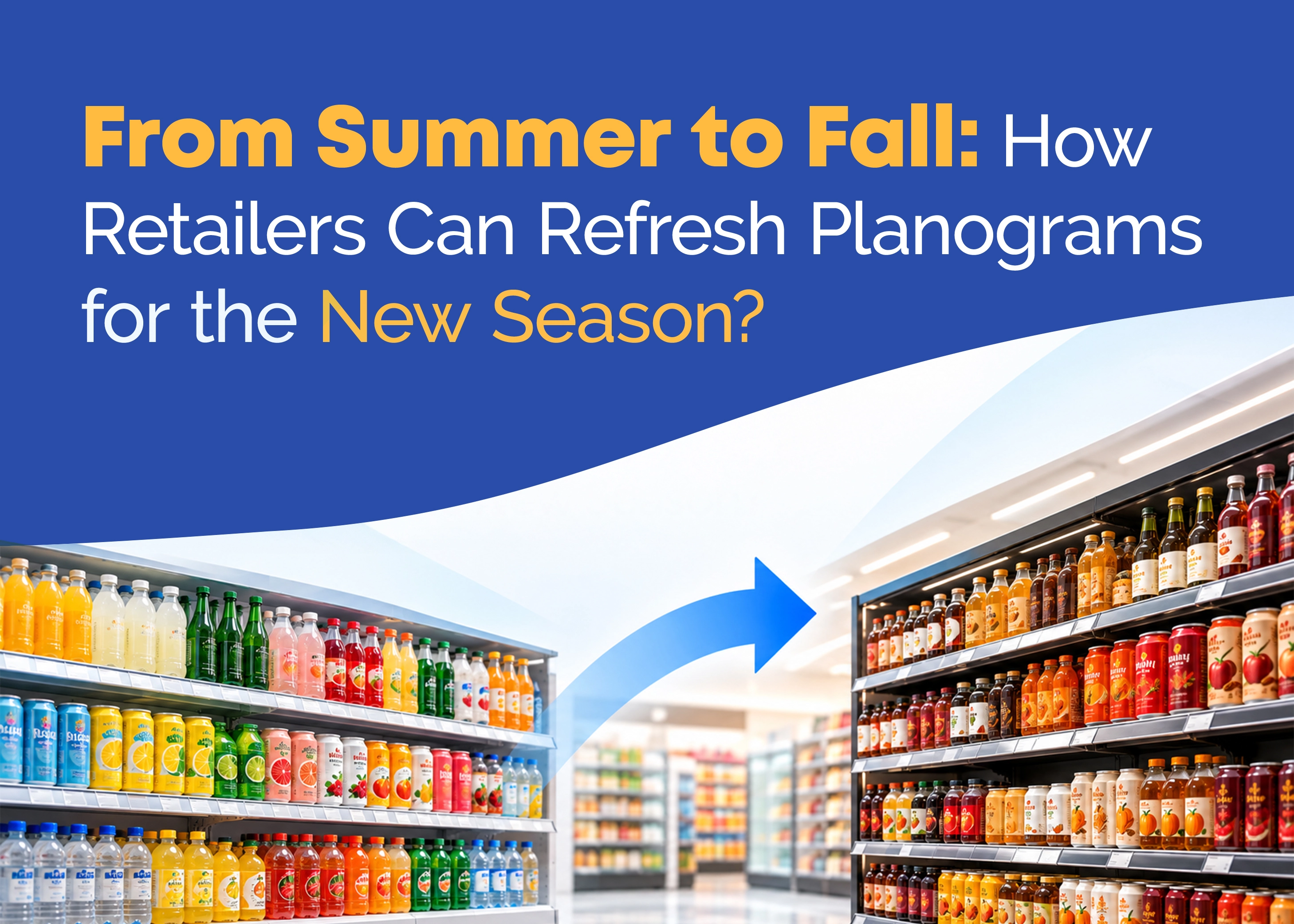
From Summer to Fall: How Retailers Can Refresh Planograms for the New Season?
From summer to fall, retailers can refresh planograms to reflect seasonal demand, product assortments, and changing shopper preferences. Strategic shelf space planning helps improve product visibility, optimize space, and create a timely in-store experience.
Read moreNexgen POG FAQ
How do I register for Nexgen POG free trial?
I did not receive a confirmation email after setting up my free trial?
How do I subscribe to professional license after free trial?
How to import the product details to the platform?
You can also add products one by one. Select product library from the drop-down menu under settings from the top tool bar on the home screen. The product library screen has options to add product details and images one by one.